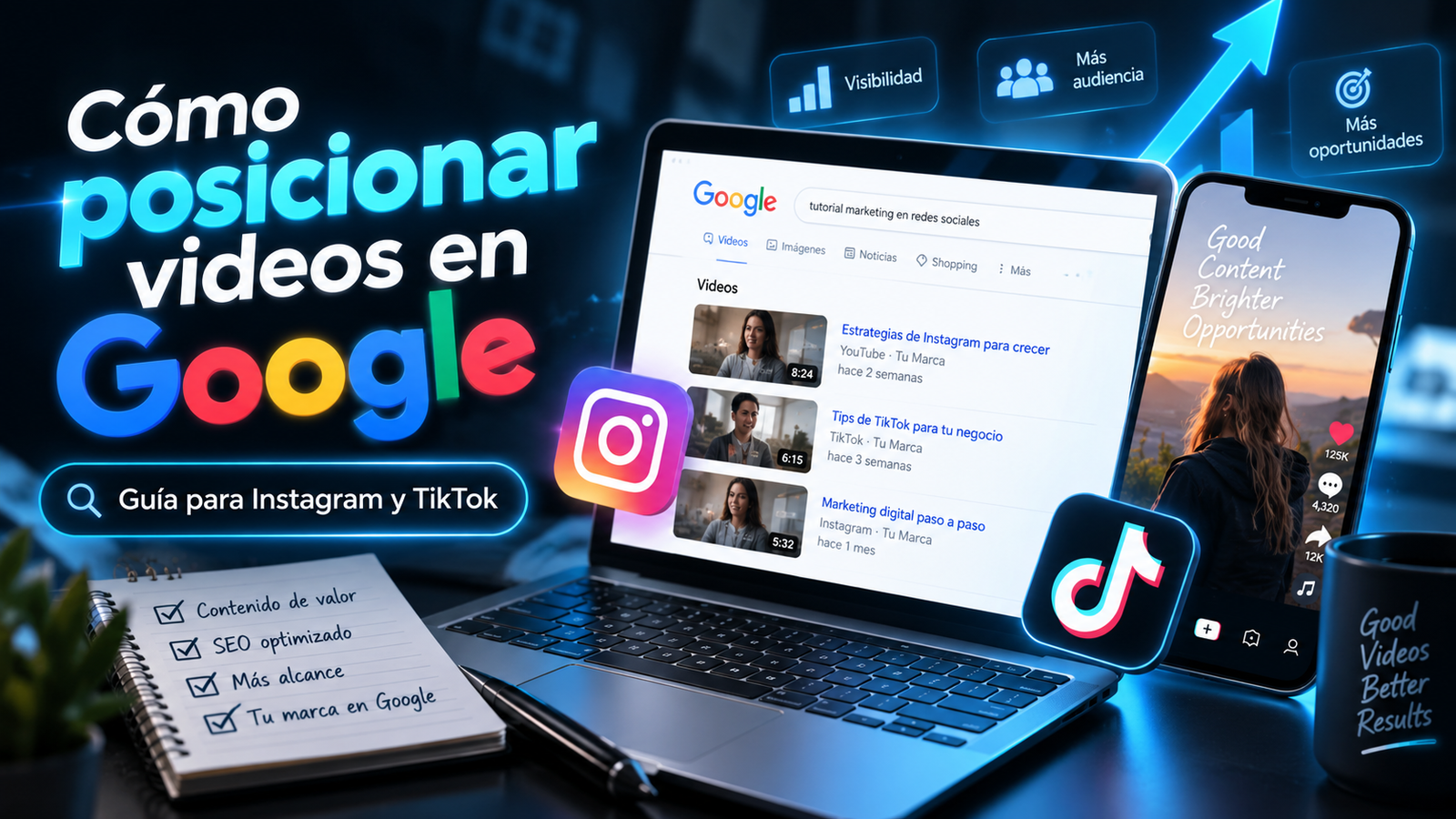
Learning how to rank videos on Google means making your video content easier to discover when people search for related topics. For Instagram and TikTok, that starts with public, eligible content that answers a specific question. Optimization can improve your chances of being found, but Google decides what gets indexed and displayed.
Picture this: You own a boutique and just filmed a dress that arrived this morning. You show the fabric, the fit, and the available colors. Meanwhile, someone nearby is searching for what to wear to an evening wedding.
Your video could help her choose. But does it explain which occasion the dress works for, or does the caption simply say, “New arrivals”?
That’s a useful question to ask before planning your next post.
What does it mean to rank videos on Google?
Google can display Instagram and TikTok content in search results. That gives your posts a chance to reach people who haven’t discovered your account yet.
Google’s guide to social and video content confirms this opportunity and explains how to track search performance.
To rank videos on Google, your content first needs to be eligible for indexing. Google then determines whether it’s relevant to a particular search.
Making a post public doesn’t guarantee either outcome. Platform restrictions, content accessibility, and Google’s selection systems all play a role.
Start by reviewing your account’s privacy settings, each video’s audience settings, and any available options for visibility outside the app. Check the current requirements for your account and content type.
How is search traffic different from social media views?
Social media views and Google search visits reflect different ways people discover your business. Someone may come across your video while scrolling, or find it while actively looking for an answer.
When you’re working to rank videos on Google, build some of your content around questions people ask before buying.
A restaurant might show its dining room and explain its vegetarian dinner options. A furniture store might introduce a new sofa and demonstrate how to check whether it fits a small living room.
These are illustrative content ideas, not verified search-volume data:
| Business | Question the video could answer |
|---|
| Boutique | What should I wear to an evening wedding? |
| Restaurant | Where can I get a vegetarian dinner nearby? |
| Cleaning company | What does an office deep cleaning include? |
| Furniture store | How do I measure my living room for a sofa? |
The goal is to help someone make a decision while showing what your business offers.
How should you optimize your Instagram and TikTok videos?
Choose a clear question, answer it in the video, and add useful context in the caption. The following steps are practical content recommendations, not a guaranteed ranking formula.
1. Start with a customer question.
Review your DMs, sales calls, and in-store conversations. Questions that come up repeatedly can give you useful topics.
To rank videos on Google, begin with the information your customer needs—not just the product you want to feature.
2. Make the topic clear right away.
For a boutique, you might open with: “Going to an evening wedding? Here’s what to consider when choosing your dress.”
Then show the options and explain the differences. Deliver on the opening instead of spending the rest of the video repeating it.
3. Add readable on-screen text and captions.
Captions help people follow along without sound. Review automatically generated text, especially product names, measurements, and locations.
Choose cover text that describes the video. “What to Wear to an Evening Wedding” gives viewers a clear reason to watch.
4. Write a caption that adds context.
For example:
Shopping for an evening wedding? We’re showing two dress options and how each one fits. Stop by our boutique to try them on and ask about available sizes.
Include your city when a physical location matters. Keep availability and other details accurate.
5. Use keywords naturally.
When you’re trying to rank videos on Google, use language your customers recognize. Relevant hashtags can help describe the topic, but a long list of tags won’t replace a useful explanation.
6. Give viewers a clear next step.
Tell people how to ask a question, book an appointment, or browse the product. If you send them to your profile, make sure your contact information and website link work.
How can a local business put this into practice?
A local business should make it clear what it offers and where customers can get it. Location details are useful when they help someone choose a nearby provider.
To rank videos on Google, avoid adding a list of cities without context. Show a project, explain a service, or answer a question connected to the area you actually serve.
An Atlanta cleaning company could film what’s included in its office cleaning service. The video might show specific tasks and explain how to request an estimate.
If you serve English- and Spanish-speaking customers, adapt the wording for each audience. Use the terms customers actually use when discussing your services.
You can also feature videos on your website. Google explains that eligible videos embedded from third-party platforms may appear in search through both the original platform and your website. Certain video features require a page primarily dedicated to watching that video.
See Google’s video SEO best practices
How do you measure results and turn interest into inquiries?
Track discovery through Google alongside the business actions that follow. Instagram and TikTok views alone don’t tell you how many people found your content through search.
Google’s documentation describes platform properties in Search Console for verified social accounts. These reports can show which searches and posts bring traffic from Google.
As you work to rank videos on Google, keep a record of what you change and when. Look for topics that generate relevant inquiries, while accounting for seasonality and other factors.
At H&O Consulting, we recommend connecting each video to a useful next step. That might be a service page, appointment request, or product inquiry.
Want help choosing topics your customers care about? Explore H&O Consulting’s digital marketing services and let’s talk about your content strategy.
Frequently Asked Questions - How to rank videos on Google: An Instagram and TikTok Guide